Quick answer: To advertise on Peacock, choose Universal Ads for self-service access, NBCUniversal One Platform for direct cross-platform packages, or an eligible DSP and deal for programmatic activation. Confirm that Peacock inventory is included, match targeting to available scale, submit exact-duration 16:9 video, and leave time for platform and publisher review approval.
If you are researching how to advertise on Peacock, the first decision is not the audience or creative. It is the buying route. Peacock inventory can sit inside a self-service marketplace, a direct NBCUniversal plan, or a programmatic deal. Each route changes the inventory, targeting, reporting, approval path and commercial terms you can expect.
This guide maps those options and shows what to verify before launch. It also explains where managed CTV planning, deal discovery and creative QA reduce risk.
Peacock advertising access at a glance
Buying route | Best fit | What you control | What to verify |
|---|---|---|---|
Universal Ads self-service | Smaller and mid-market advertisers that want a direct, hands-on setup | Objective, audience, location, bid, budget, schedule, frequency and standard video creative | Peacock or NBCU network availability, eligible placements, forecasting and account approval |
NBCUniversal direct or One Platform | Brands needing premium content, live moments, sponsorships or cross-platform scale | Negotiated plan, audience strategy, content alignment, custom formats and measurement package | Minimum commitment, exact Peacock allocation, cancellation terms, reporting granularity and creative lead time |
Programmatic guaranteed or PMP | Advertisers that need DSP workflow, deal controls and consolidated buying | DSP-side pacing, bidding, audiences, frequency and reporting within deal rules | Approved DSP, seller, deal type, floor or fixed price, device coverage, data rights and whether the deal is Peacock-specific |
Managed CTV buying | Teams that want route comparison, deal sourcing, trafficking and QA handled together | Business goals and approvals, while a partner manages platform and publisher coordination | Transparent fees, account ownership, inventory proof, optimization rights and measurement scope |
Important: do not treat “NBCUniversal inventory” as proof that every impression will run on Peacock. Ask for the network, app, content, device and deal-level detail your decision requires.
Option 1: buy through Universal Ads
Universal Ads is Comcast’s self-service TV advertising platform. Its current site describes access to NBCUniversal and other premium publishers with no platform minimum spend. The interface follows a familiar campaign, ad set and ad structure.
Advertisers can choose between 2 main campaign types:
Performance+: the system optimizes delivery across eligible premium publishers toward awareness or conversion goals.
Content Select: the advertiser chooses genres or allowlisted publisher networks for greater placement control.
Content Select can include a network-level choice, but specific publisher access may require an account representative. That makes the pre-launch availability check essential. If Peacock is the objective, confirm it in the platform forecast or in writing before committing the media plan.
Universal Ads is useful when the team wants self-service control and standard CTV video. It also supports the Universal Ads Pixel for conversion signals. The platform recommends beginning with 1-2 targeting layers, a simple structure and enough time for delivery to stabilize.
Option 2: plan directly with NBCUniversal
NBCUniversal’s One Platform brings linear and streaming inventory into a broader planning and activation framework. This route is relevant when Peacock is part of a larger NBCU schedule or when the plan needs premium content, live sports, sponsorships or custom ad innovation.
Direct plans can support strategic audiences, contextual alignment and negotiated measurement. They can also open formats beyond standard in-stream video. Peacock’s current advertising page highlights products such as Spotlight, contextual Pause Ads and Engagement Ads. Availability depends on the product, content window and commercial agreement.
This route usually needs more coordination. Ask the seller to separate Peacock delivery from the rest of the NBCU portfolio. Request impression, spend and outcome reporting at the lowest available level.
Option 3: activate a programmatic deal
Programmatic access can use a private marketplace or programmatic guaranteed deal made available to an eligible DSP seat. NBCUniversal publicly describes programmatic activation within its ad tech stack. It has also opened selected premium events through biddable private marketplace access.
The practical rule is simple: availability is deal-specific. Do not assume Peacock is present in an open auction or in every DSP. Ask for these details before building the line item:
DSP and advertiser seat eligibility
Seller and supply path
Deal ID, deal type and pricing model
Peacock-only or broader NBCU inventory
Supported devices and environments
Geography, content and live-event restrictions
Audience permissions and frequency controls
Measurement, log-level data and reporting fields
A managed partner can compare direct, self-service and DSP routes before money moves. This is where Ad Geeks’ CTV planning support fits: the plan starts with reachable inventory and verified access, not a preferred platform.
What targeting is available?
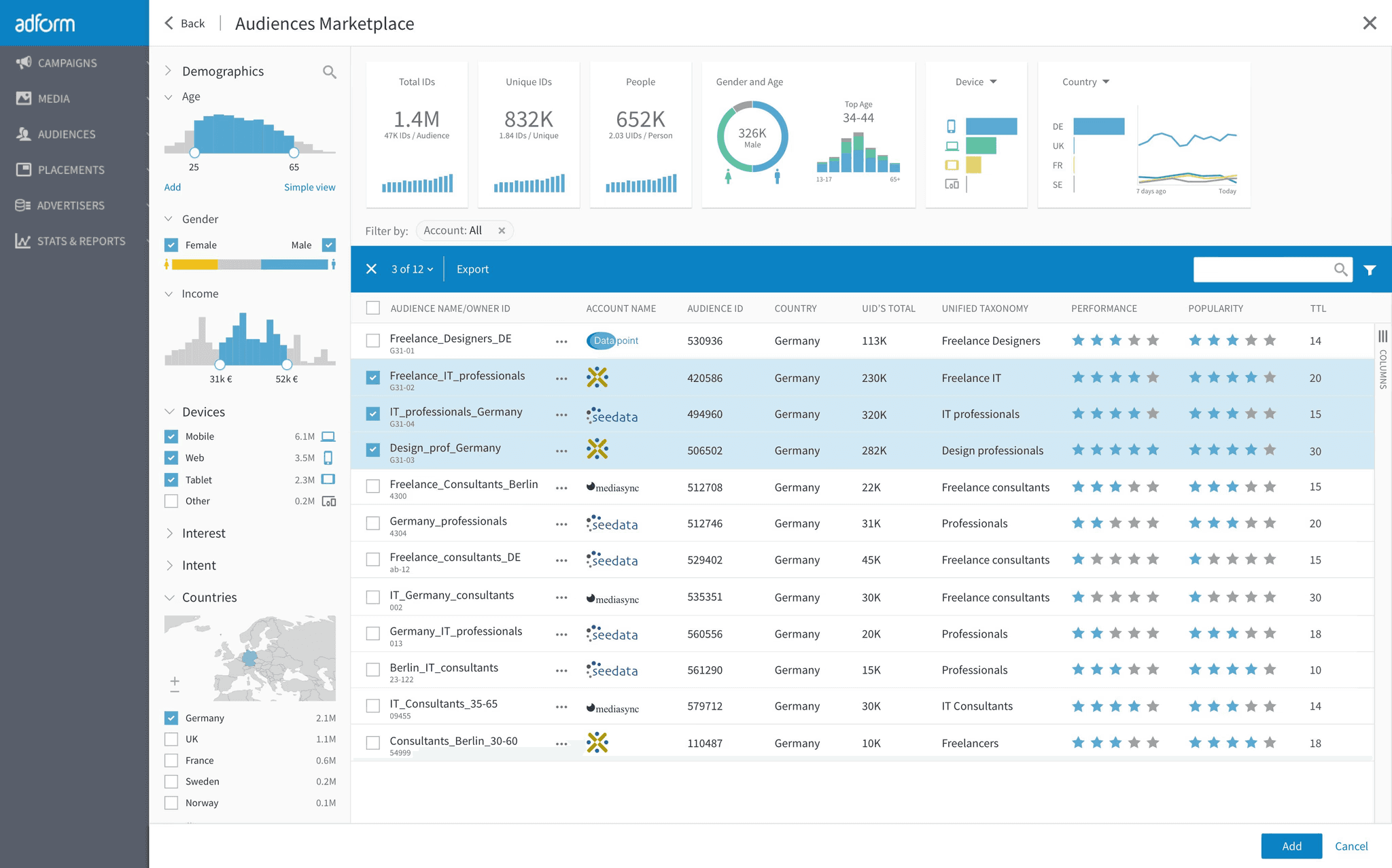
Targeting depends on the buying route and the data permissions attached to it. Universal Ads currently documents the following controls:
Targeting layer | Examples | Planning note |
|---|---|---|
Location | State, DMA and ZIP code inclusion or exclusion | Useful for local availability and store footprints. Avoid unlawful or discriminatory use. |
Core demographics | Age and gender | Use only when the product and evidence justify it. |
Advanced demographics | Household income, education, homeownership, family status and shopper behaviors | Check forecasted scale after each layer. |
Viewership behavior | Sports, news, comedy, drama, travel, food and other viewing signals | This targets people based on viewing behavior, not the content beside the ad. |
Genre or contextual alignment | Sports, news, reality, comedy, drama and other content genres | This controls content adjacency. It is different from viewer behavior. |
Custom audiences | Email, connected TV ID, mobile ad ID, IP, pixel events and ad-viewer retargeting | Confirm consent, list formatting, minimum size, match rate and privacy terms. |
Device and language | Eligible device types and content language | Over-filtering can reduce delivery quickly. |
Universal Ads recommends starting with no more than 1-2 targeting layers. That is sensible for most CTV tests. Narrow combinations can inflate CPMs, weaken reach and make optimization noisy.
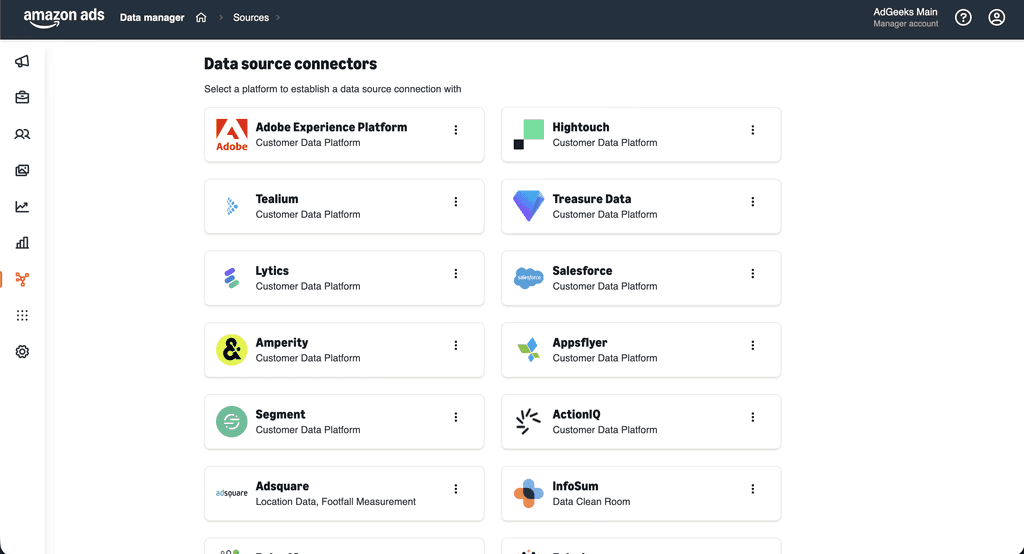
For first-party data, document the source, consent basis, retention period and upload method. Universal Ads supports plain-text and SHA-256 hashed identifiers under its current custom-audience rules. A successful upload does not guarantee a strong match rate.
How much budget do you need?
Universal Ads advertises no minimum spend, but “no minimum” is not the same as “enough budget to learn.” The working budget should support the planned geography, audience, CPM, frequency, creative variants and measurement window.
The platform’s quick-start guide suggests a $10 starting bid for competitiveness across much of its inventory. Treat that as platform guidance, not a guaranteed Peacock clearing price. Premium content, live events and narrow audiences can price differently.
Build the budget from reachable households and frequency. Use the Ad Geeks reach and frequency planner to model scenarios before launch. A smaller, measurable market test is usually more useful than a thin national flight.
Peacock creative checklist
For standard video through Universal Ads, the latest published technical requirements are clear. Export the asset to the exact intended duration.
Requirement | Current Universal Ads specification |
|---|---|
Dimensions | 1920 x 1080 |
Aspect ratio | 16:9 |
File type | MP4 or MOV |
Codec | H.264 recommended |
Video bitrate | 10 Mbps or higher |
Maximum file size | 250 MB |
Duration | 15, 30 or 60 seconds, with no stitching |
Frame rate | 23.98, 24.25 or 30 fps, as currently listed |
Audio | 192 Kbps minimum, 48,000 Hz sampling |
Loudness | Average -24 LUFS, plus or minus 2 LUFS |
Export 15.00, 30.00 or 60.00 seconds exactly. Publishers may round fractional seconds. A 30.5-second file can be treated as 31 seconds and lose eligibility for a 30-second placement.
Message and TV-safe QA
Make the brand recognizable in the first 2-3 seconds.
Design for a viewer who cannot click the television screen.
Use one clear message and one visible next action.
Keep essential copy large, short and inside a safe title area.
Check legibility from across a room, not only on a laptop.
Use voice-over when it improves comprehension.
Show the URL, app name, offer or QR code long enough to act.
Add captions when dialogue matters, then verify their placement.
Confirm music, talent, footage and product claims are cleared for the full flight.
Run a final audio, duration, codec and file-size inspection before upload.
For a cross-platform reference, use the Ad Geeks CTV ad specs guide. Publisher requirements can change, so recheck the active route on upload day.
Approval and launch timing
Universal Ads states that most ads are reviewed within 48 hours, although some reviews take longer. Submit early. Edits to an approved ad or ad set can trigger another review.
A direct NBCU or programmatic deal can add more steps. The creative may need platform validation, publisher approval and category-specific clearance. Custom units need their own production schedule.
Before go-live, complete this 10-point QA:
Confirm the signed buying route and eligible advertiser seat.
Verify Peacock inclusion and any other NBCU inventory.
Check dates, time zone, geography, bid, budget and pacing.
Validate audience inclusions, exclusions and forecasted scale.
Set a deliberate frequency cap.
Test the landing page, pixel and conversion events.
Review creative against technical and policy requirements.
Confirm measurement fields and reporting cadence.
Save screenshots or exports of the approved setup.
Recheck delivery, spend and event collection after launch.
How to measure a Peacock campaign
Start with the decision the campaign must influence. Awareness plans need reach, frequency, completed views and brand outcomes. Performance plans need reliable site or app events, conversion windows and an incrementality view.
Universal Ads reports reach, delivery and conversion signals through its pixel. NBCUniversal also offers broader measurement partnerships and its Performance Insights Hub across linear and streaming. The exact fields available to your campaign depend on the route and agreement.
Do not judge CTV by last-click alone. Use exposed versus control analysis, brand lift, search lift, site-visit lift or geographically structured tests where scale permits. The premium CTV inventory map can help place Peacock inside a wider streaming plan.
Where Ad Geeks fits
Peacock access is only the first checkpoint. A viable campaign also needs a deal that matches the market, a realistic audience, technically valid creative and reporting that answers a business question.
AdGeeks supports the work across 3 connected areas:
Managed CTV planning: compare direct, self-service and DSP routes against reach, control and measurement needs.
Deal discovery: verify current Peacock availability, commercial terms, eligible seats and supply paths.
Campaign and creative QA: check setup, specifications, policy risk, tracking and launch readiness.
Tell us the market, audience, budget, timing and measurement goal. We will map the available buying routes and flag the decisions that need proof before launch.
Frequently asked questions
Can small businesses advertise on Peacock?
Yes. Universal Ads is designed for advertisers of different sizes and currently promotes no minimum spend. Confirm that the NBCU or Peacock inventory you want is available to your account and geography.
Can I buy Peacock ads directly?
Yes. Self-service access can be available through Universal Ads, while larger or custom plans can run through NBCUniversal. The correct route depends on inventory, budget, format and measurement needs.
Can I buy Peacock through a DSP?
Potentially. Peacock or broader NBCU inventory may be available through private marketplace or programmatic guaranteed deals on eligible DSP seats. Verify the DSP, seller, deal ID and Peacock inclusion before planning.
What targeting can I use on Peacock?
Available controls can include location, demographics, advanced household attributes, viewership behavior, genre, custom audiences, devices and language. The exact options depend on the buying route.
What video specs should I use?
Universal Ads currently lists 1920 x 1080, 16:9, MP4 or MOV, H.264 recommended, at least 10 Mbps, and exact 15, 30 or 60-second durations. Recheck the platform before upload.
How long does Peacock ad approval take?
Universal Ads says most ads are reviewed within 48 hours, but review can take longer. Direct deals, restricted categories, live events and custom formats can require more lead time.
Official sources
Universal Ads homepage. Accessed October 27, 2026.
Universal Ads Quick Start Guide. Accessed October 27, 2026.
Universal Ads Creative Requirements. Updated October 22, 2026.
Universal Ads Creative Best Practices. Updated October 22, 2026.
Create a Performance+ Campaign. Updated February 16, 2026.
Create a Content Select Campaign. Updated February 16, 2026.
Custom Audiences Overview. Updated October 26, 2026.
Advertising on Peacock - NBCUniversal Together. Accessed October 27, 2026.
NBCUniversal One Platform Total Audience. January 8, 2024.
NBCUniversal 2026 Upfront. May 11, 2026.